Make blurry footage clearer — free, in your browser.
or drop it here
MP4 · MOV · WEBM — up to 5 min · 200 MB
01 / REAL OUTPUT
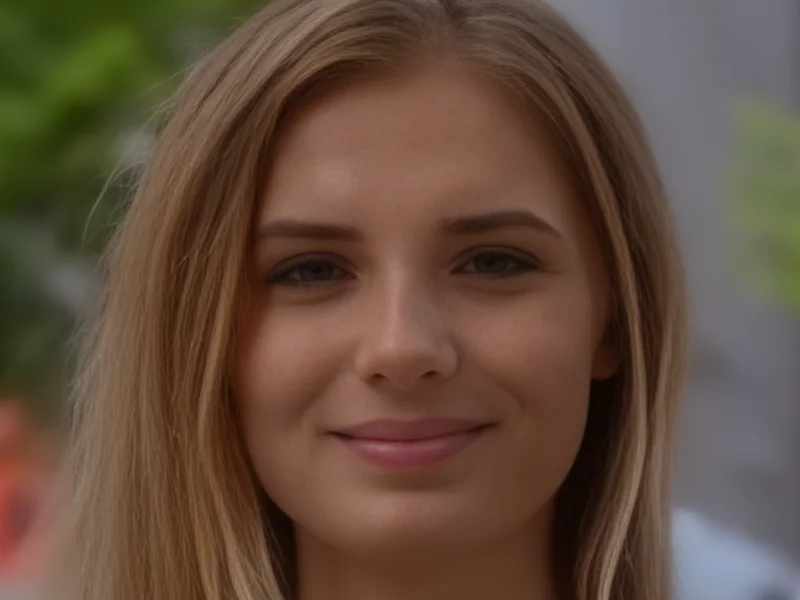
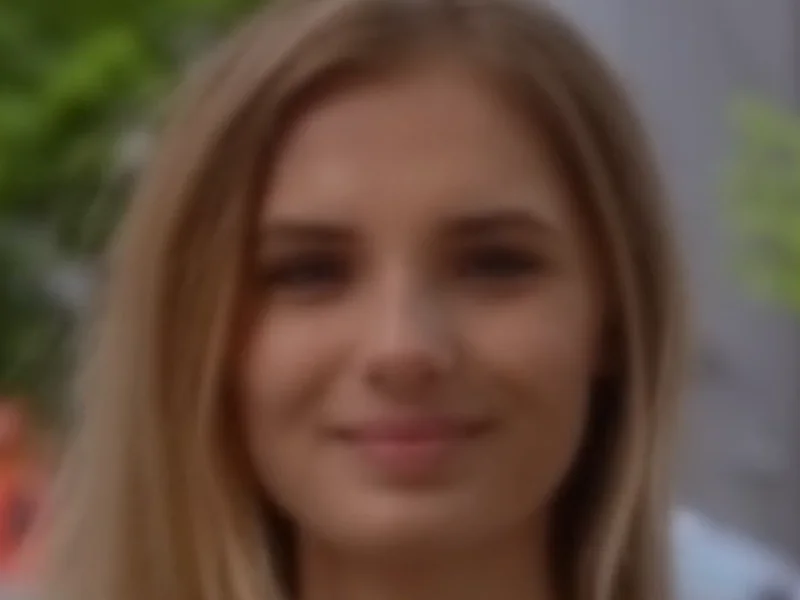
Not a mockup. Drag the divider on a real clip.
Source: Mixkit (free license), degraded for testing
02 / EXAMPLES
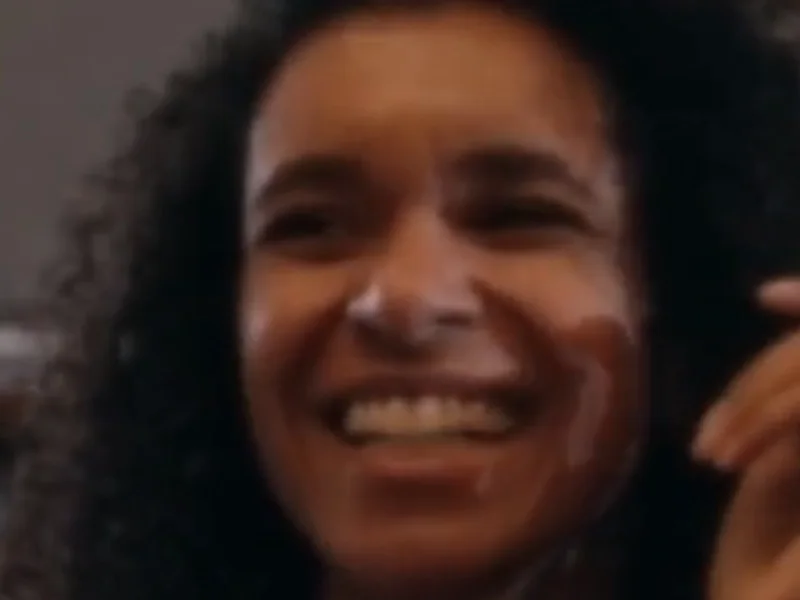
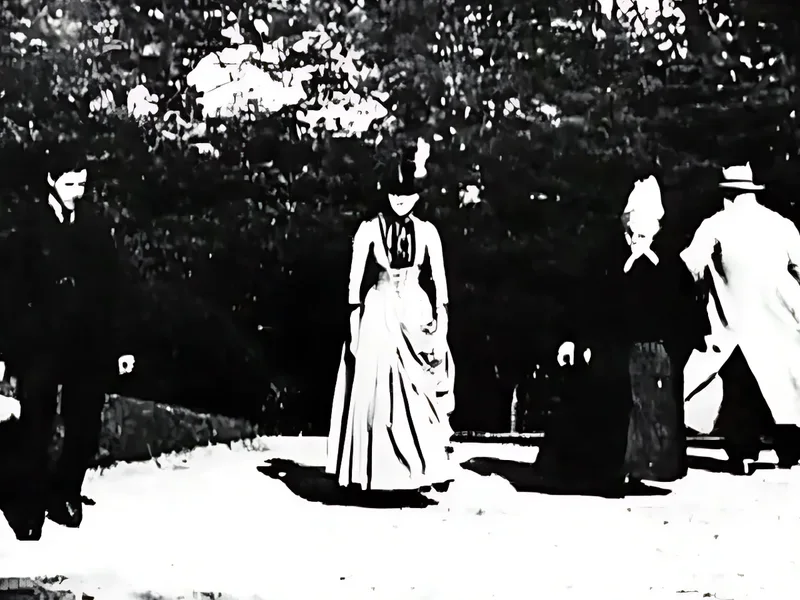
Each one labeled with the tier and model that made it.












Limits
Heavy motion blur and very dark footage improve only a little. We'd rather tell you up front.
03 / SPECS
Measured on real clips, not estimated.
04 / HOW IT WORKS
Nothing to install, no account.
MP4, MOV or WebM, up to 5 min.
See your own footage before and after.
No watermark. Your audio stays.
The free tool never sends your video anywhere. Pro (cloud) uploads only the clip you choose, and deletes it after processing.
05 / PRO
The free version runs on your device. Pro runs bigger models in the cloud.
Pro is for
 Soft portraits and selfies
 Old phone and camcorder clips
 Kids who won't sit still
 Interviews and podcasts
Face detail rebuilt, not just upscaled.
Clean output for big screens and edits.
Phone, old laptop, Safari: it runs in the cloud.
WAITLIST PERK · 10-second Pro trial at launch
Join the waitlist and try Pro free on a 10-second clip when it opens.
One email when Pro opens. No newsletter.
06 / FAQ
Straight answers, including what it can't do.
You can make many blurry videos look clearer, but not all of them. Compression blocks, low resolution and old footage improve the most. Heavy motion blur and very dark night footage improve little, because the missing detail was never recorded. This tool upscales and sharpens; it does not invent what the camera did not capture.
First work out why it is blurry. If it is low resolution or compressed, a free upscaler like this one gives a visible gain: drop the video in, check the 5-second preview, then enhance the full clip. If the camera was out of focus or shaking, results are modest, and re-shooting is the only full fix. Our step-by-step guide covers each case.
Yes, it is free, with no watermark and no sign-up. The enhancement runs on your own graphics chip through WebGPU, so your video is never uploaded to a server. Limits: MP4, MOV or WebM, up to 5 minutes and 200 MB, with output up to 1080p.
CapCut has sharpening controls and, in some versions, an image-quality enhancement feature, which can help with mild softness. Availability and paywalls change between versions, so check your app. For low-resolution or compressed clips, an AI upscaler usually gives a larger gain than a sharpen slider.
In the Photos app, open Edit and raise Sharpness and Definition for a mild improvement. For more, open this page in a recent mobile browser that supports WebGPU and run the free tool. If your phone browser can't run it, use a desktop browser, or join the Pro waitlist for cloud processing.
The usual causes are low source resolution, heavy compression after uploading to social apps, camera shake or subject motion, missed focus, and low light. Compression and low resolution are the ones software can improve; focus and motion problems only partly.
It is a web tool that increases a video's resolution and cleans up artifacts using an AI model. Most free ones upload your file or add a watermark. This one runs in your browser, so nothing is uploaded and nothing is stamped on the result.
Desktop Chrome and Edge are the best-tested. Safari and Firefox support depends on their WebGPU status. Input can be MP4, MOV or WebM up to 5 minutes and 200 MB. The output is an MP4 at up to 1080p, and it keeps your original audio.

